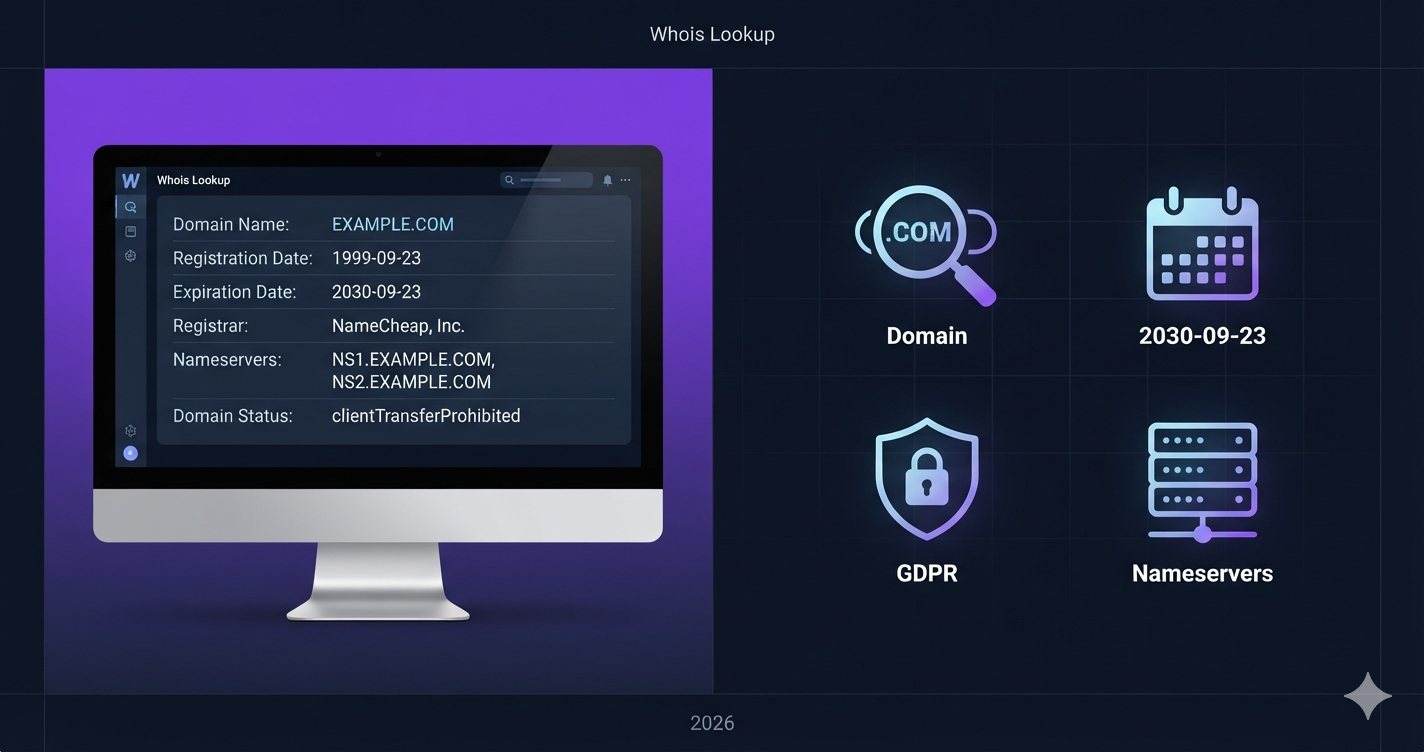
🔍 DNS Lookup Explained
Learn how to check DNS records, troubleshoot issues, and understand A, MX, CNAME, and TXT records.
Check DNS Records →~1.5s
DNS adds to page load time on average
24-48h
DNS propagation time after changes
50+
DNS record types exist
⚠️ DNS Misconfiguration?
Incorrect DNS records can take down your website, break email delivery, or cause SSL certificate errors.
🛡️ Why DNS Matters for Your Website
🚀 Website Speed
DNS lookup time affects TTFB. Faster DNS = faster website.
✉️ Email Delivery
MX and TXT (SPF) records control where emails go.
🔒 Security
Proper DNS prevents hijacking and phishing attacks.
🔍 What Is DNS Lookup?
DNS lookup is the process of querying DNS servers to retrieve records for a specific domain. It translates human-readable domain names (like rankcept.com) into machine-readable IP addresses and other technical information.
Think of DNS as the internet's phonebook – and a DNS lookup is searching that phonebook.
📋 Types of DNS Records (What Each One Does)
| Record Type | Purpose | Example |
|---|---|---|
| A Record | Points domain to IPv4 address | rankcept.com → 192.0.2.1 |
| AAAA Record | Points domain to IPv6 address | rankcept.com → 2001:db8::1 |
| CNAME Record | Alias domain to another domain | www.rankcept.com → rankcept.com |
| MX Record | Email server address | mail.rankcept.com with priority 10 |
| TXT Record | Text information (SPF, verification) | v=spf1 include:_spf.google.com ~all |
| NS Record | Nameserver for the domain | ns1.hostinger.com |
🛠️ How to Perform a DNS Lookup (Step by Step)
- Go to the DNS Lookup tool – rankcept.com/dns-lookup
- Enter the domain name (e.g., rankcept.com)
- Select record type – ALL, A, MX, CNAME, TXT, etc.
- Click "Lookup" – results appear instantly
- Review the records – check for correct values
⚠️ Common DNS Issues & Fixes
| Issue | Symptom | How to Fix |
|---|---|---|
| Slow DNS resolution | Website loads slowly | Switch to faster DNS provider (Cloudflare, Google Public DNS) |
| Wrong A record | Site points to wrong IP | Update A record to correct hosting IP |
| Missing MX record | Email not working | Add MX record with mail server address and priority |
| SPF TXT record missing | Emails marked as spam | Add v=spf1 include:yourhost.com ~all |
| Propagation delay | Changes not visible | Wait 24-48 hours – DNS propagation takes time |
🔧 Complete Your Technical SEO Audit
❓ Frequently Asked Questions
Usually 24-48 hours, but often faster (30 minutes to a few hours).
A maps a domain directly to an IP. CNAME maps a domain to another domain.
Yes – any publicly accessible domain.
Possible caching: clear local DNS cache (ipconfig /flushdns) or wait longer.
Browser technique to resolve DNS before clicking a link – improves speed.
Ready to Check Your DNS Records?
Verify A, MX, CNAME, and TXT records instantly – completely free.
🔍 Launch DNS Lookup →Disclaimer: This guide is for educational purposes. Always double-check DNS changes before applying.